
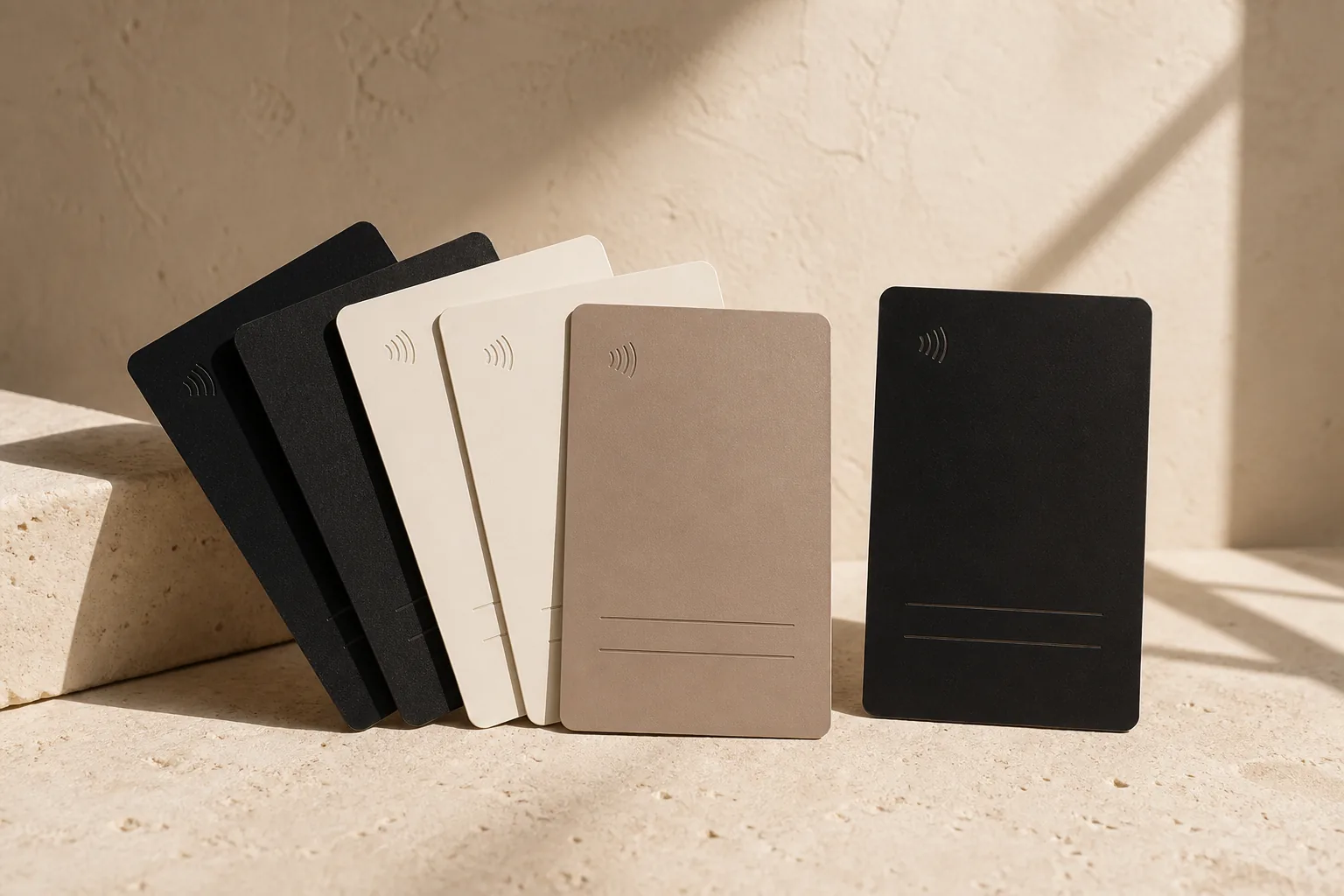
Card
NFC business cards
One card for contact details, social profiles, or your website.
- Contact
- Website
NFC products + management platform
We prepare the NFC product and connect it to a protected GeoNFC address. You choose where every tap leads from your dashboard.
Create account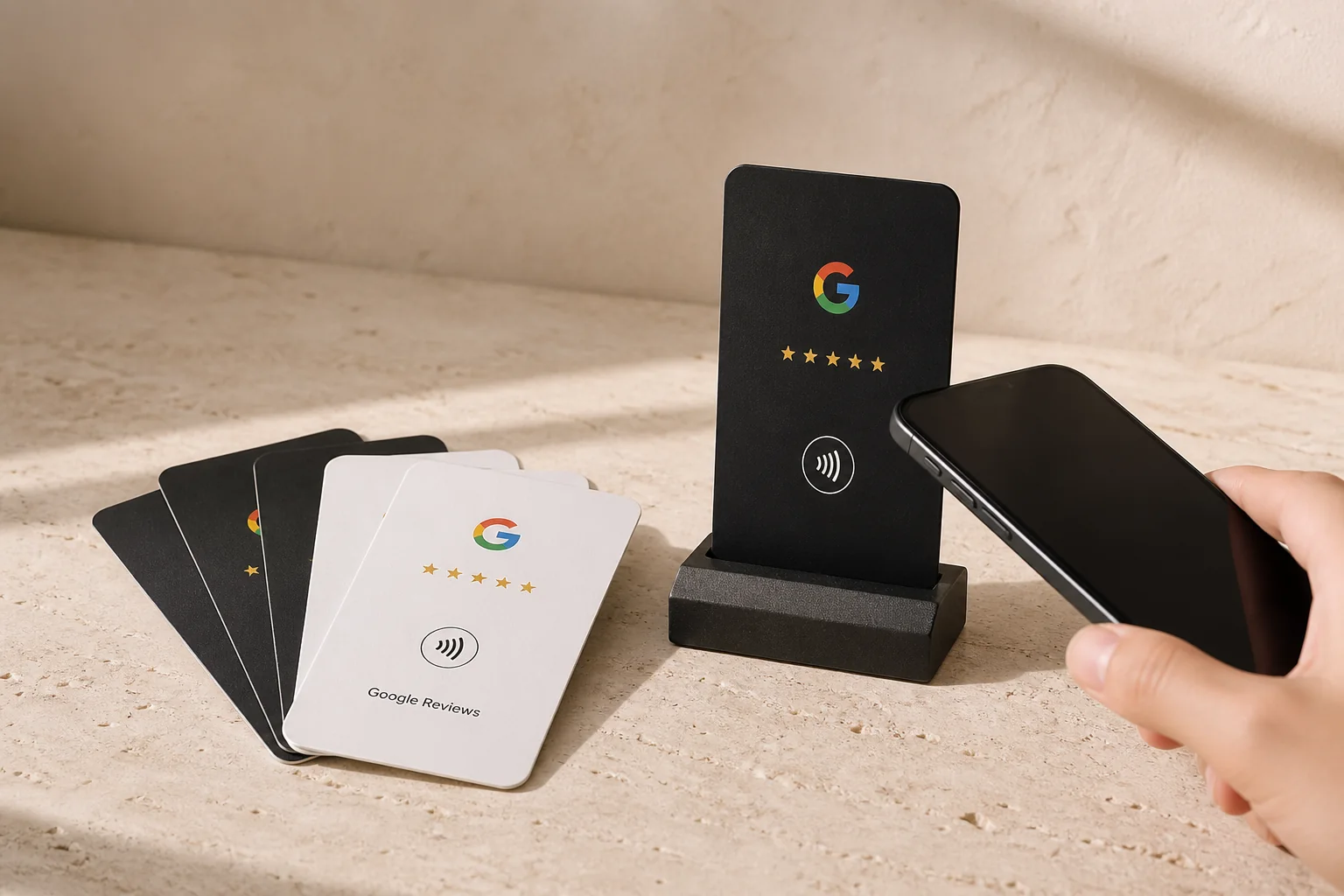
GeoNFC catalog
Choose the format and purpose. We handle configuration; you keep control.
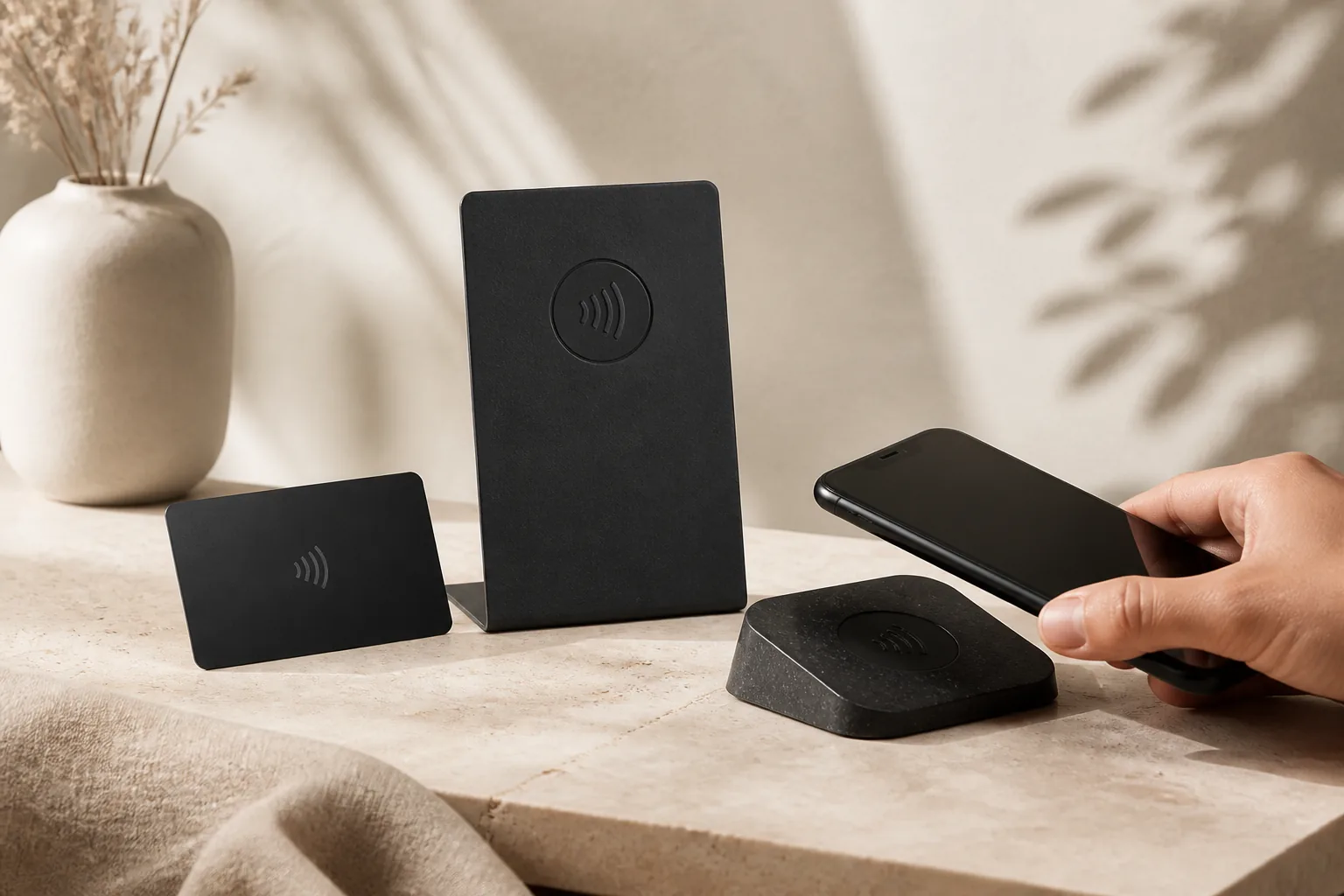
Card
One card for contact details, social profiles, or your website.
Reviews
A card or stand that leads customers directly to your review page.
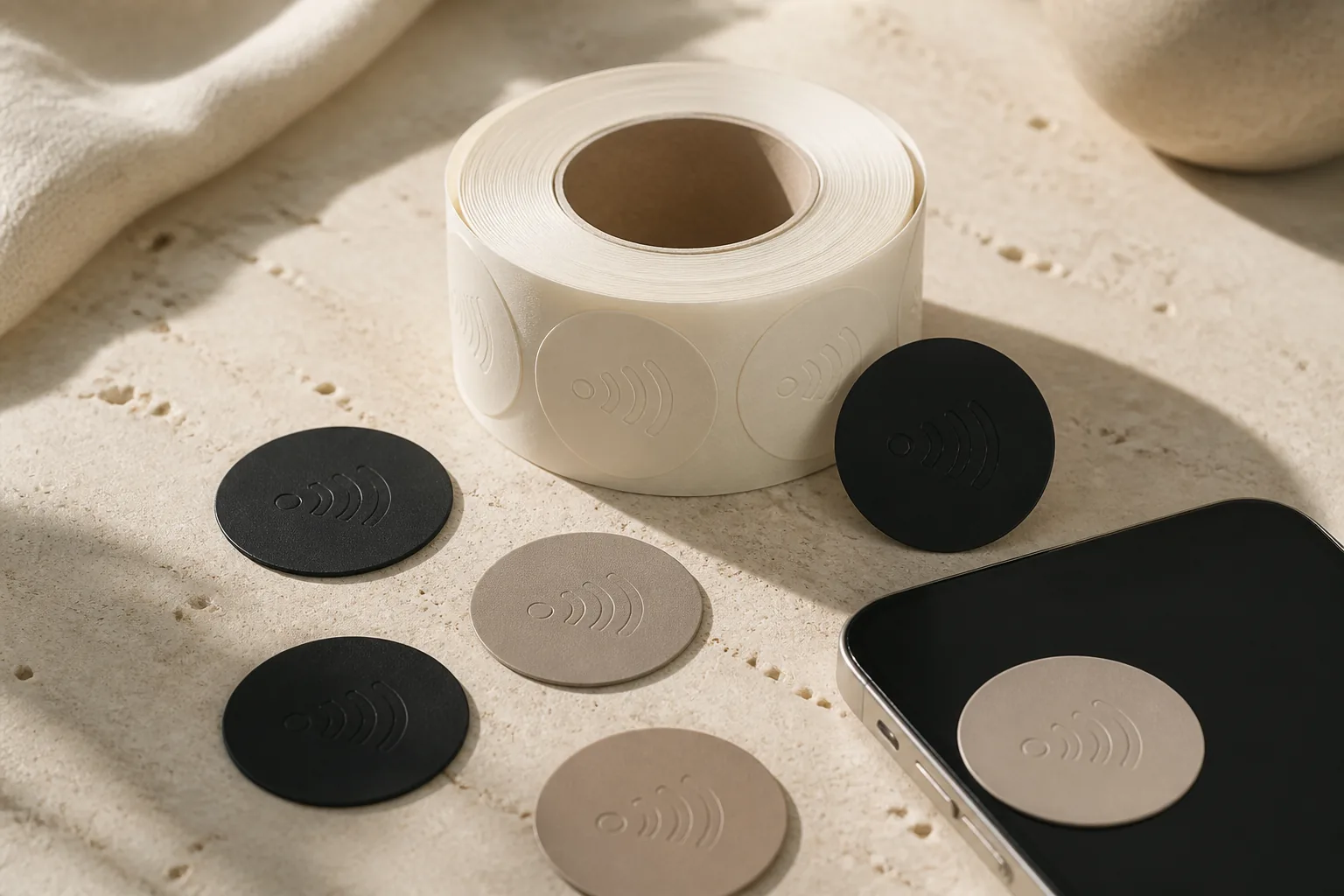
Sticker
A slim NFC sticker for packaging, displays, or any smooth surface.
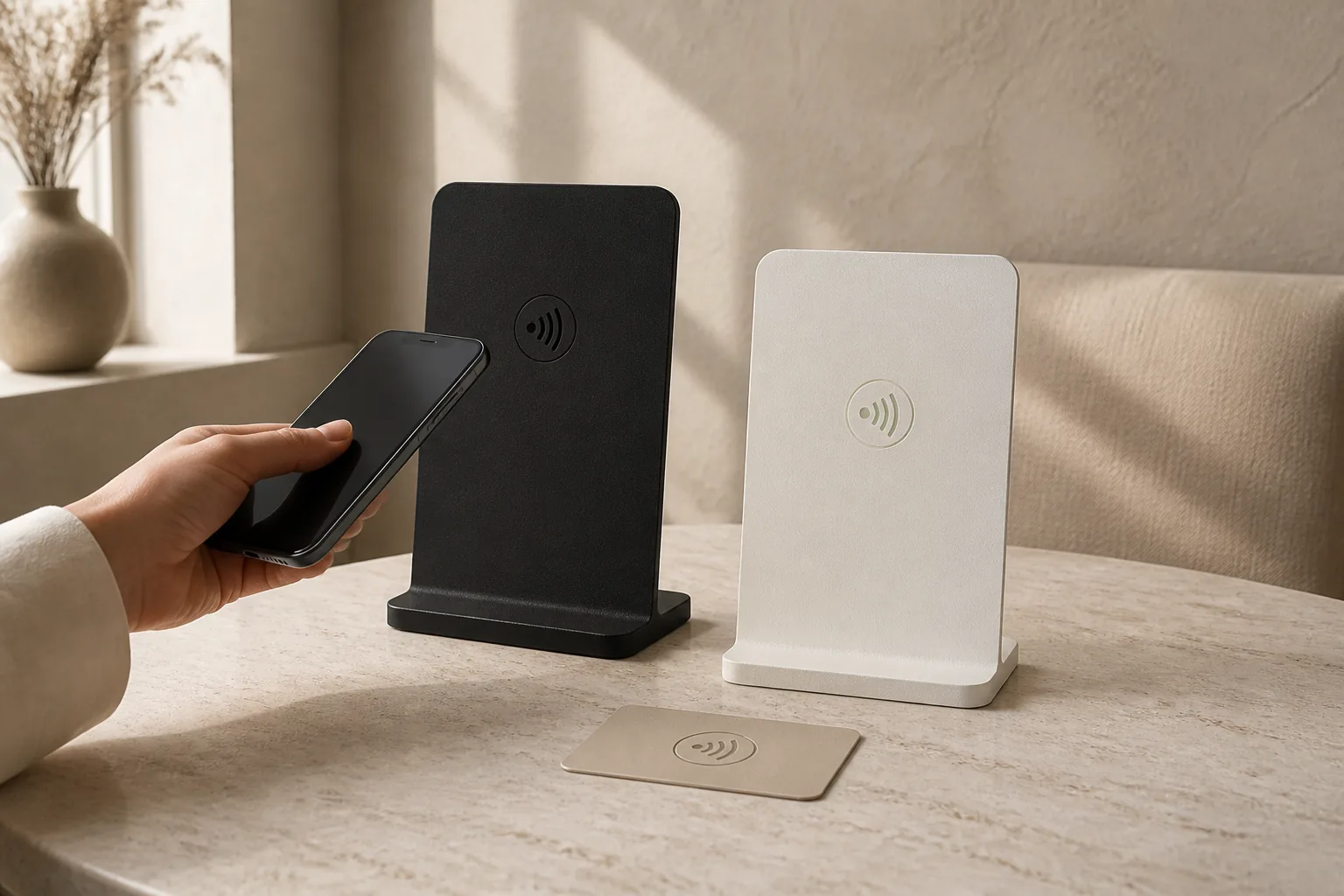
Stand
Open a menu, booking, or order page with one tap—without replacing printed material.
NFC / +
We configure stickers, tags, key fobs, and other NFC formats around your use case.
Three simple steps
Tell us the format and goal. GeoNFC prepares it with a protected system address.
A customer taps the NFC product or uses its QR alternative and reaches your chosen page.
Change the final link, pause a device, and review scan activity from your dashboard.
One dashboard
Keep every NFC device together with its name, current destination, status, and simple analytics.
Control and protection
The chip stores a unique GeoNFC system address—not your final link. That is why changes happen in the platform, not on the physical chip.
Change the final HTTPS destination from your dashboard.
A paused device no longer redirects to its active destination.
The public device URL does not expose a sequential database ID.
One product, many uses
Frequently asked
No. A compatible phone reads the NFC product with a regular tap and opens the link in a browser.
Yes. The final destination changes in the GeoNFC dashboard while the protected system address on the card stays the same.
A tap opens the Google review page you have selected. You can update that destination later.
A paused device stops redirecting to the active destination and shows the appropriate information state.
The system can stop the corresponding redirect or show an information page. The physical NFC product does not need to be rewritten.
GeoNFC handles the initial technical configuration. After activation, you manage only the destination and device settings.
A QR fallback is possible on products whose format and design support it.
The dashboard shows core activity such as scans, unique visitors, and change over time once data is available.
Start with GeoNFC
Create an account, add your device, and control its destination from one place.